CybersecurityPasskeys
Passkeys vs. Passwords vs. MFA: What’s the Difference?
Lewis Hancock
October 27, 2025
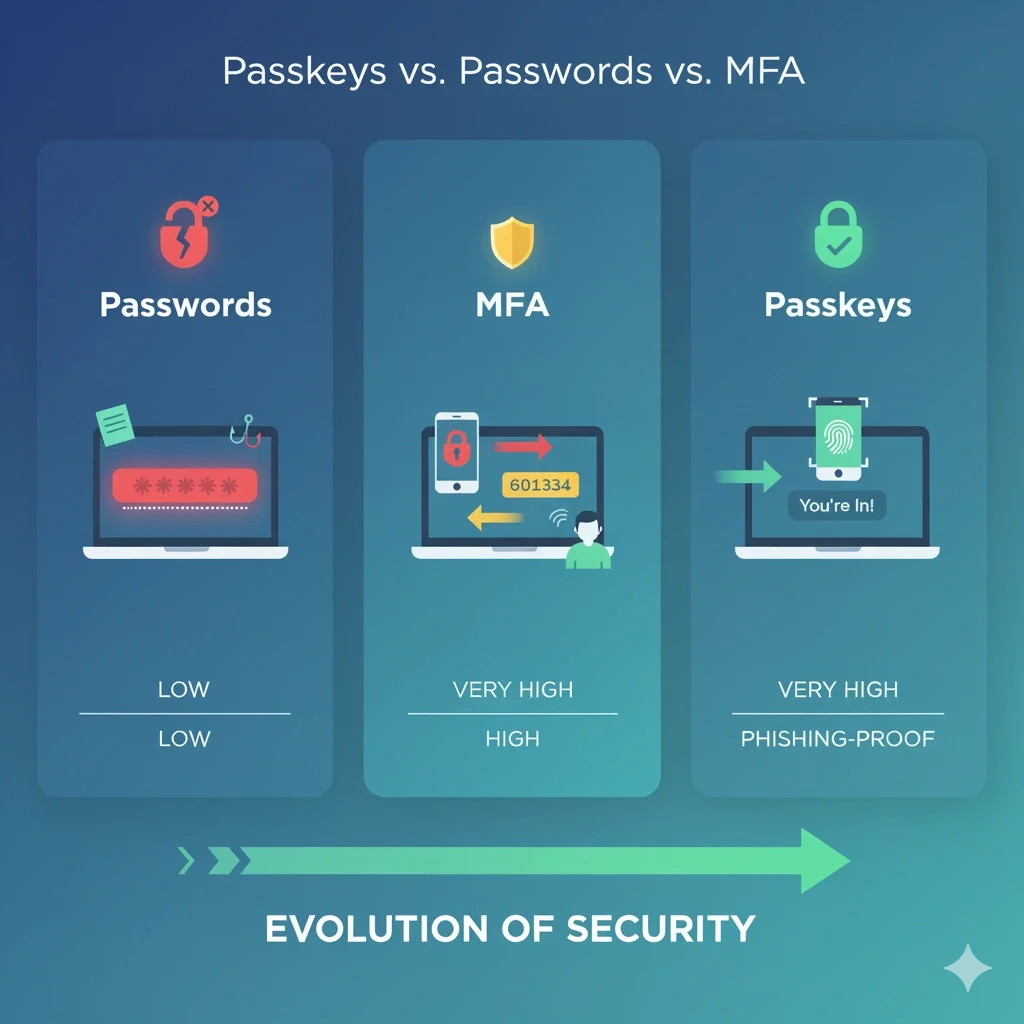
Clearing up the confusion and explaining the future of your business's security.
If you're in charge of your business's IT and security, you've probably heard a lot of new terms lately. First, "multi-factor authentication" (MFA) became a must-have. Now, "passkeys" are being called the next big thing.
It’s confusing. Is a passkey a password? Is it a form of MFA? Do you need both?
Let's clear the air. As your IT partner, we want to simplify these concepts so you can make the best security decisions for your company. Here’s a simple breakdown.
This is the one we all know and... well, we know it. A password is a secret that only you are supposed to know. You type it in, the server confirms it's the correct secret, and you're in.
Because passwords are so easy to steal, MFA was created to add another layer of security. The "multi-factor" name simply means you have to prove your identity in more than one way.
The standard factors are:
Traditional MFA combines #1 and #2. You enter your password (what you know), then you're prompted to enter the 6-digit code from your phone (what you have).
This brings us to passkeys. A passkey is not just a "better password"—it's a complete replacement for the password.
Here’s how it works: A passkey is a cryptographic key pair.
When you log in, the server sends a challenge to your device. Your device uses the private key to "sign" the challenge and prove its identity, and you unlock that private key using your device's built-in security—your Face ID, fingerprint, or PIN.
Here is the most important part:
A passkey brilliantly combines 'something you have' (your phone or computer) with 'something you are/know' (your fingerprint, Face ID, or device PIN) into a single, seamless action.
Instead of Password + MFA Code, your entire login is just look at your phone or touch the fingerprint sensor. It is both simpler for the user and dramatically more secure.
A passkey's private key is cryptographically bound to the *actual* website. If a hacker builds a perfect clone at "micros0ft-login.com," your device will immediately know it's a fake and refuse to offer the passkey. The user is protected by default. It makes phishing, the #1 cause of business breaches, practically impossible.
| Feature | Passwords (Alone) | Traditional MFA (Password + Code) | Passkeys |
|---|---|---|---|
| How it Works | Something you know. | Something you know + Something you have. | Something you have + Something you are/know. |
| Security Level | Low | High | Very High |
| Phishing-Resistant? | No | No (You can still be tricked into giving up both your password and the code). | Yes |
| User Convenience | Low (Easy to forget, must be complex) | Very Low (Multiple, clunky steps) | High (One fast, simple action) |
The takeaway is simple: Passwords are a liability. Traditional MFA is a necessary but clunky solution. Passkeys are the future. They are the first technology that makes your security stronger *while also* making life easier for your employees.
The transition to a passwordless company won't happen overnight. It requires careful planning, assessing which of your critical apps support passkeys, and creating new policies for device management and recovery.
You don't have to navigate this shift alone.
Let Riverside Technologies help you build a roadmap for implementing passkeys. We can assess your current security, identify opportunities, and manage the transition, so you can focus on your business.
Schedule Your Free Security Assessment TodayLet Riverside Technologies help your business with comprehensive IT solutions.
Contact Us Today